
Guides / Radios & screens
The parts behind a radio install (and why each one matters)
A radio almost never plugs straight in. It needs a few adapter parts so it fits the hole, connects to your wiring, keeps your antenna, and keeps your steering-wheel buttons.
Four core parts: dash kit, wiring harness (or data interface), antenna adapter, steering-wheel-control adapter. The dash kit and harness depend on the size and model of the radio you choose. Cheap units cause problems because they don't include these parts, and they're hard to buy separately.
Dash kit (mounting kit / bezel)
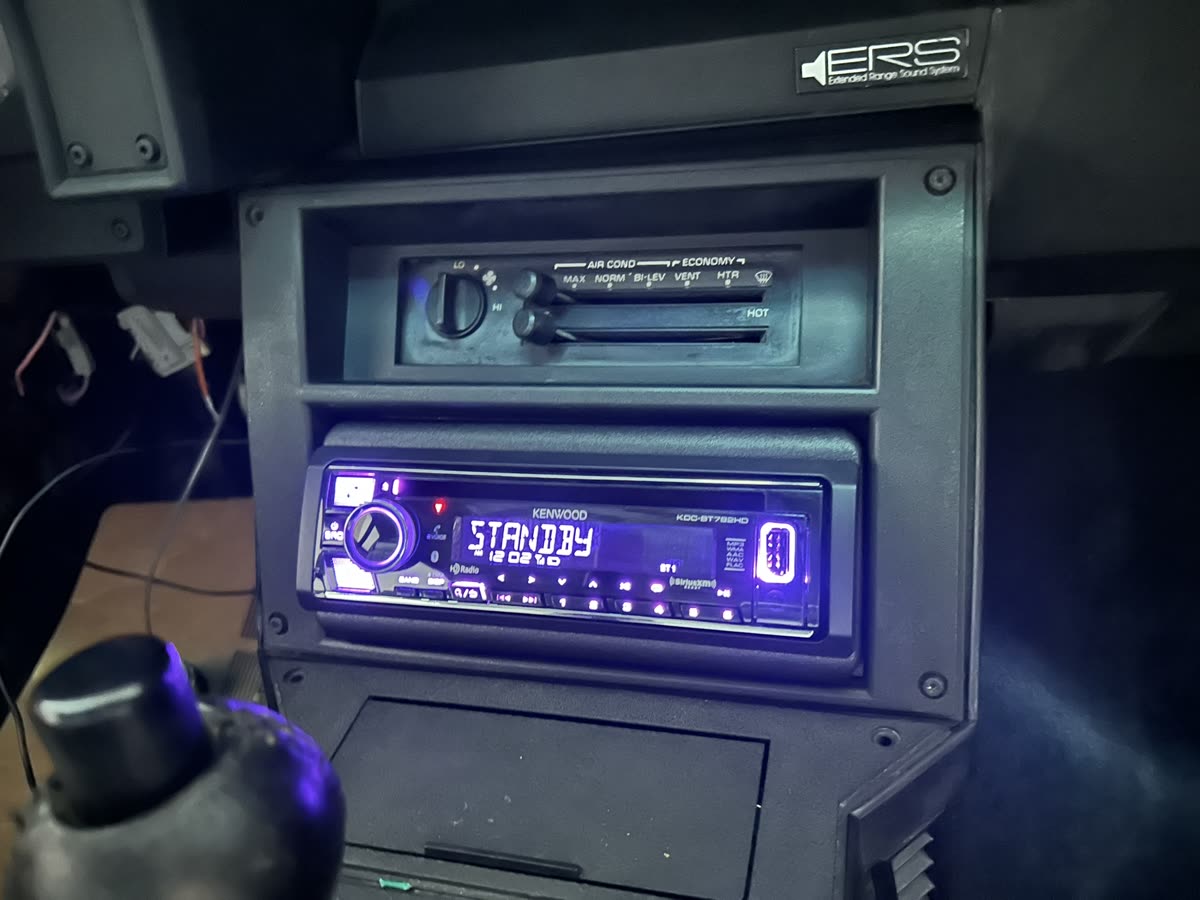
The plastic trim that fills the gap so a new radio sits flush in your dash. It's vehicle- and radio-size specific. Metra and Scosche are the common brands.
Wiring harness vs data interface
A basic harness is a plug that matches your car's factory radio connector to the new radio's wires, no cutting. A data interface is a smarter harness with a small module that talks to your car's computer to keep steering-wheel controls, chimes, the factory amp and warning messages working. Newer cars usually need the interface, not just a plain harness. PAC, Axxess, CRUX and iDatalink make these.
Antenna adapter
Many cars don't use the standard antenna plug, so a small adapter lets your new radio receive FM/AM. Some cars also need a "phantom power" adapter to power a built-in antenna amplifier.
Steering-wheel-control (SWC) interface
Keeps your volume, track and phone buttons on the wheel working with the new radio. You can skip it if you truly don't use those buttons. On many cars it's built into the data interface.
Interfaces that keep factory features
On premium or amplified cars, the right interface keeps the factory amp, door and seatbelt chimes, backup camera, and sometimes USB working. This is where iDatalink Maestro, Axxess, PAC and CRUX come in. What is Maestro?
Microphone and GPS antenna
The Bluetooth mic mounts near the headliner or steering column for clear calls. If your radio has built-in navigation, it may include a small GPS antenna that I place on the dash for a clear signal.
Why cheap units cause missing-part problems
Name-brand radios come with the bezel and wiring to adapt to your car. Many no-name units don't, and those exact parts are very hard to find on their own. If you've already bought one that shows up with no bezel or harness, I'll usually recommend returning it for one that includes them.
How to use Crutchfield's vehicle fit guide
Crutchfield's "what fits my car" tool lets you enter your exact year, make and model and shows only the radios and parts that fit, with the exact dash kit and harness you need. I'm not affiliated with them or any retailer; it's just the easiest place to see what fits and buy the right parts. For older cars they've stopped listing, Amazon often still has the vehicle-specific kits.
What it costs to install (labor only, parts separate)
Radio / CarPlay: from $125 · Radio + backup camera: from $175 · Maestro / iDatalink integration: +$50–75
Common mistakes
- Buying a radio without the matching dash kit and harness for your specific car.
- Forgetting the antenna adapter and losing radio reception.
- Using a plain harness on a car that needs a data interface, and losing chimes or the amp.
FAQ
Can't the radio just plug in?
Rarely. Almost every car needs at least a harness and dash kit.
Why are the parts so specific?
They match both your car and the radio's size and brand.
Where do I buy parts?
Crutchfield is my default for install parts. Walmart for same-day basics. Amazon for vehicle-specific kits on older cars.
Do I have to keep steering-wheel controls?
No, but most people want them.
What I need from you: year, make, model; a dash photo; whether you have the equipment; your city.
Related: Car radios explained · What is iDatalink Maestro
Not sure what your car needs?
Text me your year, make, model and what you want done. I'll tell you what fits and what it costs.